How CPA and Tax Firms Should Securely Collect and Send Client Tax Documents
CPA and tax firms should stop asking clients to email W-2s, 1099s, bank statements, and signed Form 8879s as attachments, and use two tools instead: a secure upload link for a batch of return documents, and a one-time, self-destructing link for a single sensitive number like a Social Security number (SSN) or bank routing number. An email attachment sits in an inbox indefinitely, gets forwarded, and lives in backups and spam filters you don't control. An upload link or one-time link moves the document into a system your firm controls and removes it from the client's inbox the moment it arrives.
Key takeaways
- Tax preparation is a covered "financial institution" under the Federal Trade Commission's (FTC) Safeguards Rule, which implements the Gramm-Leach-Bliley Act (GLBA), regardless of firm size.
- The Internal Revenue Service (IRS) requires tax professionals to maintain a written information security plan (WISP) and lays out baseline controls in Publication 4557 and the Security Six steps.
- Use an upload link into encrypted storage for a batch of return documents; use a one-time link for a single SSN, employer identification number (EIN), or bank detail.
- Form 8879 e-signature requires identity-verification software and a retention rule for Electronic Return Originators (EROs); confirm current details against the live IRS instructions.
- A solo preparer needs one upload link and one one-time-delivery option; a multi-partner firm needs standardized links per engagement and role-based access.
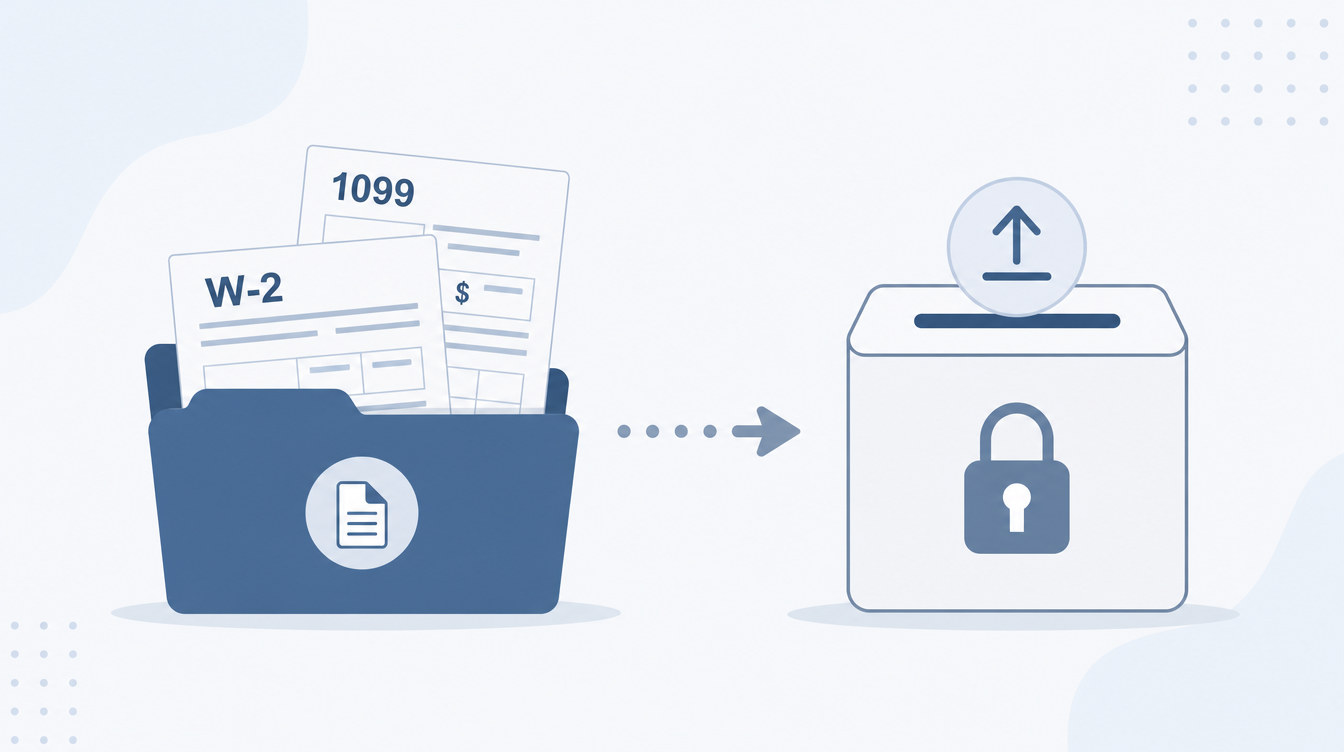
Which tax documents need secure handling?
| Document | Contains | Recommended method |
|---|---|---|
| W-2 | Social Security number, wages, employer identification number (EIN) | Upload link into an encrypted Vault, or a one-time link for a single copy |
| 1099 (NEC, INT, DIV, etc.) | SSN or taxpayer ID, income amounts | Upload link into a Vault |
| Form 1040, draft or final | Full SSN, income, dependents' SSNs, bank routing and account numbers for refunds | Upload link into a Vault, never an email attachment |
| Form 8879, signed | SSN, signature PIN, bank details if refund is direct-deposited | IRS-compliant e-signature software with identity verification, or secure upload; retain under the ERO retention rule |
| Bank or brokerage statements | Account and routing numbers, balances | Upload link for a full statement, or a one-time link for a single account number |
| EIN confirmation letter (CP 575) | Business EIN, legal name, address | Upload link into a Vault |
This sensitivity ranking is our working framework. The IRS doesn't publish an official classification.
What rules apply to CPA and tax firms?
Tax preparation is explicitly covered under the FTC Safeguards Rule (16 CFR Part 314). The regulatory text states that "an accountant or other tax preparation service that is in the business of completing income tax returns is a financial institution" for Safeguards Rule purposes. That coverage applies regardless of firm size, as of October 2026.
The IRS separately requires tax professionals to maintain a written information security plan, tying the requirement directly to GLBA. The IRS publishes a sample template in Publication 5708 if you don't already have one. How documents travel between you and a client is one piece of that plan.
IRS Publication 4557, Safeguarding Taxpayer Data (Revision 6-2024 as most recently confirmed in October 2026; check irs.gov for a newer version before you rely on it) and the companion Security Six checklist set baseline technical controls: antivirus software, a firewall, two-factor authentication, backup software, drive encryption, and a VPN. These secure your firm's own systems; they don't replace a decision about how documents travel to and from a client, which is the gap an upload link or one-time link closes.
If a client's return includes a signed Form 8879, the IRS's e-file signature FAQ sets specific rules: unless the client signs in your physical presence or you already have a multi-year relationship with verified identity, your e-signature software must run identity verification (typically knowledge-based authentication questions pulled from credit file data) on every remote signature, and three failed attempts require a handwritten signature instead.
Guidance for sibling forms (8879-F, 8879-S) states Electronic Return Originators (EROs) must keep the signed form for three years from the return due date or the date the IRS received the return, whichever is later, in access-controlled storage. Confirm this applies identically to the current Form 8879 instructions for individual returns before relying on it.
One-time link or upload link: which one for which document?
A batch of documents (a full return, several years of statements, a W-2 plus three 1099s) belongs in an upload link that drops files into storage your firm controls. A single sensitive value, like one account number, an EIN, or a signature PIN you need to read back to a client, is better sent as a one-time, self-destructing link that disappears after it's opened once.
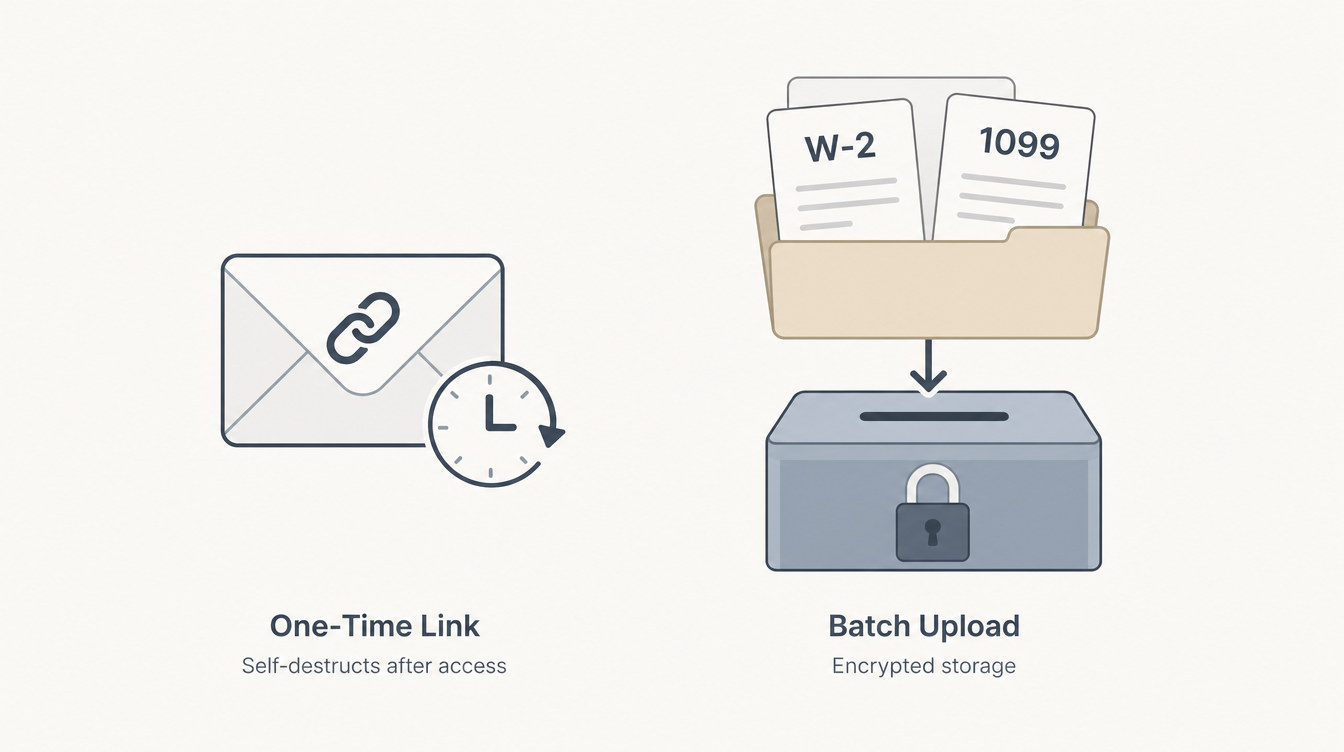
| Situation | Example | Why |
|---|---|---|
| Multiple documents, one engagement | W-2 plus two 1099s plus prior-year return | An upload link into an encrypted Vault keeps everything in one place for the engagement and off email |
| One sensitive number | A bank routing number confirmed by phone, or the last four digits of an SSN | A one-time link limits exposure to a single open, then it's gone |
| A signed Form 8879 | Completed e-signature PDF | Needs identity-verified e-signature software plus retained, access-controlled storage; a one-time link won't cover it |
A common approach is to send a client an upload link instead of asking for an email attachment. With SparkVault (sparkvault.com), the client opens the link, uploads files directly into your firm's encrypted Vault, and nothing sits in either inbox afterward. A vendor-neutral alternative is any upload-only intake form your practice management software already includes, as long as it doesn't ask the client to attach a file to an email first.
For the single-number case, a one-time Spark holds up to 256,000 bytes of text, a file, or a link, expires on a timer you set between one minute and 24 hours, and burns after the first open. A vendor-neutral alternative is a password-protected file sent by a channel separate from the password, though a decrypted copy still ends up on the recipient's device once it's opened.
Step-by-step workflow for this tax season
- Replace the "please email your documents" request. When you ask a client for this year's documents, send one link. Skip the email with attachment instructions.
- Route by document type: a full set of return documents goes into the upload link, a single sensitive number goes into a one-time link.
- Collect the Form 8879 signature through compliant e-signature software. Confirm it runs identity verification on remote signatures unless an exception applies, and that it logs the required record: timestamp, IP address, login ID, verification result, and signature method.
- Retain the signed Form 8879 and supporting documents in access-controlled storage for at least three years from the return due date or the date the IRS received the return, whichever is later. Confirm this against current instructions for your specific 8879 variant.
- Close out access after filing. Once a return is filed and accepted, remove the client's upload access to that engagement folder instead of leaving it open indefinitely.
Next step: Set up a client upload link for this season's engagement folder before the document requests start.
Client communication: what to say instead of "please email your documents"
Clients default to email because it's familiar. They don't actually prefer it. A short, specific message gets better compliance than a portal invitation they'll ignore. Try something like this:
"Hi [Client], to get your return started, please upload your W-2, any 1099s, and last year's return using this secure link: [upload link]. You don't need to create an account, just drop the files in. If you need to send us a single number, like a bank routing number, let us know and we'll send you a one-time secure link instead of asking you to email it."
For larger firms: standardizing across offices
A multi-partner firm or a practice serving many clients needs the same two tools, applied consistently so nothing depends on each preparer's habits.
- One upload link per engagement, shared by every preparer. Generate the client-facing link from a shared engagement folder so documents land in the right place regardless of which staff member sent the request.
- Role-based access to client Vaults. Give preparers access to the clients they're working on, give office managers administrative visibility, and remove access when staff change engagements or leave the firm.
- A documented retention and deletion schedule. Decide, in writing as part of your WISP, how long documents stay in an engagement Vault after filing and who is responsible for archiving or deleting them.
- A single e-signature workflow across offices. Inconsistent 8879 signature processes between offices produce inconsistent identity-verification and retention records, exactly the area regulators check.
- Vendor review as part of procurement. Before adopting any upload or e-signature tool firm-wide, confirm in writing what the vendor can access, how data is encrypted, and what happens to client data after the engagement closes.
Frequently asked questions
Is it legal to email tax documents to my accountant?
There's no blanket law making it illegal to email a tax document. The issue is the Safeguards Rule's reasonableness standard: tax preparers are covered financial institutions under GLBA and are expected to protect sensitive client data with appropriate safeguards. An unencrypted email attachment carrying a full SSN or bank account number is hard to defend as a reasonable safeguard when better options are available.
Does Form 8879 require a specific e-signature platform?
No. The IRS doesn't mandate a single vendor. Your software has to meet the IRS's requirements: identity verification on remote signatures unless an exception applies, a tamper-proof signed record, and retention of specific details like timestamp, IP address, and verification results, per the IRS e-file signature FAQ.
How long must I keep a signed Form 8879?
For the related 8879-F and 8879-S variants, IRS instructions tell EROs to retain the signed form for three years from the return due date or the date the IRS received the return, whichever is later. Confirm this is identical in the current instructions for your specific form before treating it as settled, since revision dates change.
Does the FTC Safeguards Rule apply to solo preparers, or only large firms?
It applies regardless of size. The regulatory text in 16 CFR Part 314 defines tax preparation as a covered financial activity without a size exemption.
What about bank statements: one-time link or upload link?
A full statement with several pages of transaction history fits an upload link better, since it's a document and not a single value. If you only need one specific number off that statement, like a routing number to confirm a refund destination, a one-time link limits what's exposed.
If today's task is one sensitive number and not a full engagement folder, send it as a one-time Spark, free.
Sources
- IRS Publication 4557, Safeguarding Taxpayer Data
- IRS FAQ for e-file Signature Authorization (Forms 8878/8879)
- IRS, About Form 8879
- eCFR, 16 CFR Part 314 (FTC Safeguards Rule)
- FTC, Gramm-Leach-Bliley Act overview
- IRS, Written Information Security Plan reminder
- IRS Publication 5708, WISP template
- IRS, Security Six steps
- IRS, 2026 filing season announcement
Last updated / checked on October 13, 2026.
By the SparkVault Editorial Team. Fact-checked and edited by the SparkVault Editorial Team.