How MSPs Should Securely Handle Client Credentials, API Keys and Onboarding Files
When a project needs a client's admin password, an API key, or a VPN configuration file, don't put it in an email or a chat thread. Send it as a one-time secret that disappears after the technician opens it, and collect bulk onboarding documents through an upload link into access-controlled storage. Neither copy sits in an inbox once the ticket closes.
Key takeaways
- Standing credentials in email or chat stay searchable in your ticketing system long after the project ends, which is the opposite of what a password or key needs.
- Use a one-time link for a single secret (a password, a key, a token) and a separate upload link for a batch of onboarding files; don't mix the two.
- The joint CISA/NSA advisory on protecting MSPs recommends against reusing admin credentials across clients and calls for multi-factor authentication on every MSP-to-customer account.
- Rotate any shared credential when a technician leaves a project or a contract ends, in addition to any fixed calendar schedule.
- Enterprise clients will ask about log retention, role-based access and credential reuse before they sign. Have the answers ready before the first onboarding call.
What should MSPs collect from clients, and how sensitive is it?
Most onboarding tickets mix one-off secrets with reference documents, and they don't need the same handling. A password needs to be seen once and gone. A network diagram needs to sit somewhere access-controlled for as long as the engagement runs.
| Credential or file | Sensitivity | Recommended handoff |
|---|---|---|
| Admin or domain password | Highest; standing access to client systems | One-time link, never left in a ticket or email thread |
| API key or integration token | High; often long-lived, broad programmatic access | One-time link, plus a rotation plan |
| VPN configuration file | High; exposes network access | One-time link or an encrypted upload into access-controlled storage |
| License key | Low to moderate; billing or compliance exposure, with no access granted | Upload link is fine |
| Network diagram | Moderate to high; maps the attack surface | Upload into access-controlled storage |
| Signed MSA or SOW | Moderate; may include pricing terms | Upload link or your existing e-signature tool |
The pattern holds across the table: anything that grants access on its own goes out as a one-time secret. Anything that's a reference document goes into storage the client and technician can both reach, without a permanent email copy.
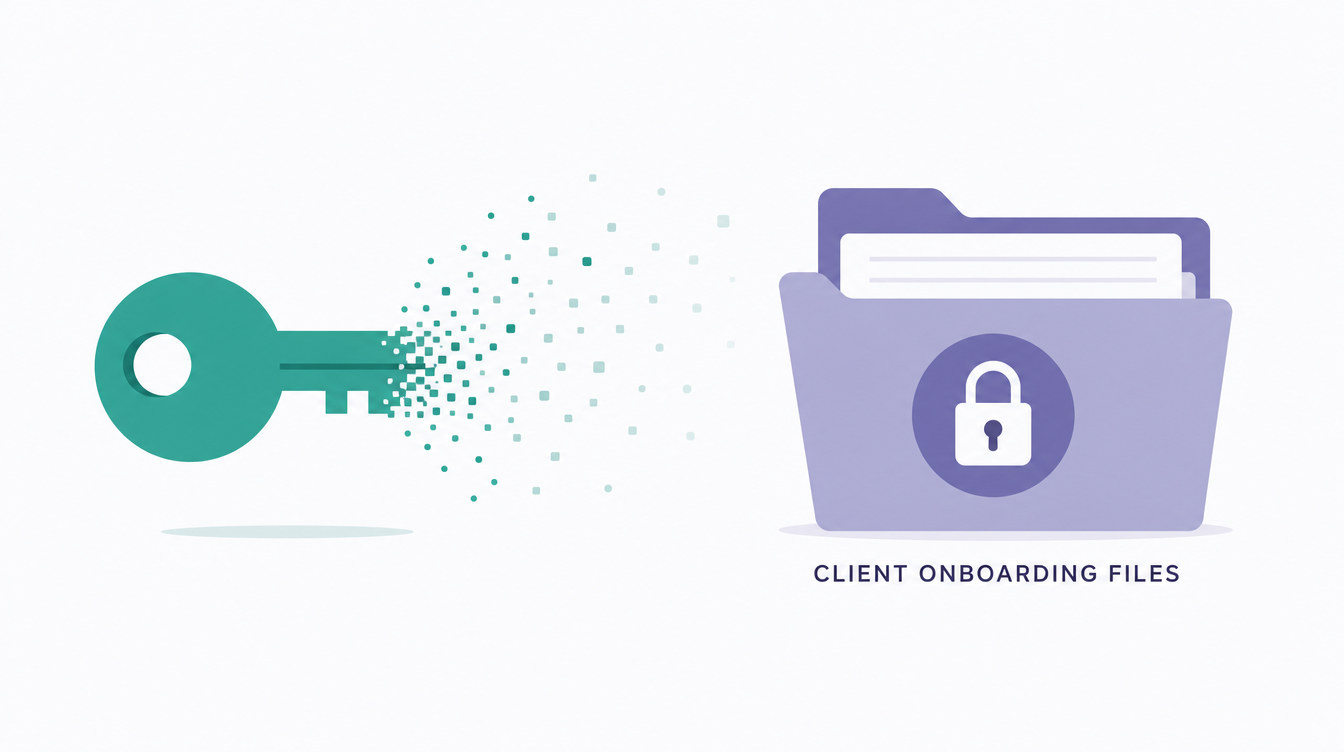
Why standing credentials in email or chat are a problem
An emailed password doesn't disappear when the ticket closes. It sits in the client's sent folder, your support inbox, and probably a backup of both, for as long as either system retains mail. Stolen or reused credentials remain one of the most common ways attackers get into systems in the first place, according to Verizon's 2025 Data Breach Investigations Report. That's exactly why a password that outlives its ticket is a risk even when nothing looks wrong today. The risk also outlasts today's attacker: data captured now can sit untouched for years, so encryption used to store or send it should be built to resist future decryption methods as well as the ones in use today.
CISA, together with the NSA and international partners, published joint guidance in 2022 for protecting MSPs and their customers. It's explicit: ensure contracts specify that MSPs will not reuse admin credentials across multiple customers, and reset shared-account passwords whenever personnel transition off an account (CISA advisory AA22-131A, May 2022). An emailed password that outlives the engagement makes both recommendations harder to follow, because nobody remembers which inbox still holds a copy.
The 2021 Kaseya VSA incident is a concrete reminder of what's at stake when MSP-to-client access paths are compromised. Attackers used a widely deployed remote monitoring tool to push ransomware through the trusted MSP channel, affecting dozens of MSPs directly and more than a thousand downstream businesses, according to CISA and FBI guidance issued at the time. Remote monitoring software isn't unsafe in itself. Any credential or access path an MSP holds across many clients is a high-value target, though, and should be handled like one.
Are there rules that govern how MSPs send client credentials?
There's no single law dictating how an MSP must transmit a client's password. Contract terms and government-recommended practice govern it, and no statute does. CISA's joint advisory is the closest thing to an authoritative baseline, and its recommendations (multi-factor authentication on MSP accounts, no credential reuse across clients, and customer visibility into what MSP accounts did on their network) increasingly show up in client MSAs and cyber-insurance applications.
Step-by-step workflow for sending a credential
- The technician generates or receives the credential: a new admin password, an API key, a VPN config file.
- Instead of pasting it into the ticket or a chat message, the technician puts it into a one-time secret link set to expire after a single read or a short window. That's long enough for the recipient to open it once and too short for it to sit around.
- The technician sends the client only the link, through whatever channel they'd normally use for routine correspondence. The link carries nothing sensitive if it's intercepted after it's already been read.
- Once the recipient opens it, the secret is gone. If it's needed again, generate a new one. Don't keep a backup copy in a notes app or a ticket field "just in case."
- Log the ticket number and the timestamp the secret was issued (never the secret itself), so there's a record of when access was granted without a permanent copy of what was granted.
An MSP can do this with a one-time Spark on SparkVault (sparkvault.com): a link that holds up to 256,000 bytes of text, a file, or a credential, expires anywhere from one minute to 24 hours, is encrypted so SparkVault itself can't read what's inside, and burns the first time it's opened. A password manager's built-in one-time share feature, such as Bitwarden Send or 1Password's item-sharing link, works the same way if your team already has one deployed. What counts is the one-time, self-destructing property. Any tool with it will do.
Send a credential as a one-time Spark, free.
How do you explain the new process to a client?
Clients push back on a new process if a technician can't explain it in one sentence. A short, copy-paste message works better than a policy link:
"Hi [name], for your new admin password, I'm sending it through a one-time link instead of email so it's not sitting in anyone's inbox after you've set it. Click the link, copy the password, and it'll disappear once you've opened it. If you need it again, just reply and I'll send a fresh one."
What about onboarding files like diagrams and contracts?
Network diagrams, signed MSAs, device inventories and license keys don't need to burn after one read. They need to sit somewhere access-controlled for the life of the engagement, without a copy forwarded through email where it can be mis-sent or left in an open thread. A client upload link into encrypted storage (a Vault, in SparkVault's terms) lets the client send files directly into storage you control access to, without a portal account to create or a shared-drive invite to manage. The same principle applies if your team uses a different access-controlled file-sharing tool, as long as uploads don't end up as open email attachments.
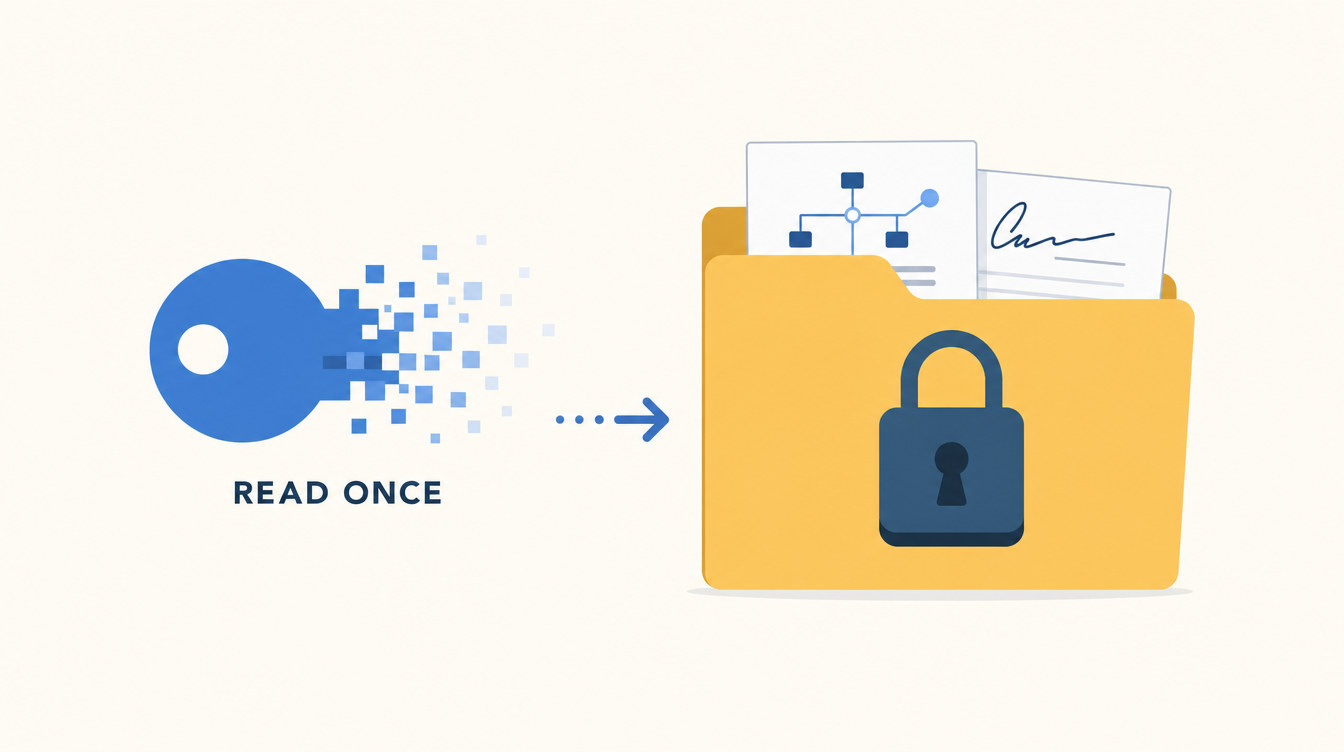
For larger teams: onboarding across many client accounts
A solo technician can get by with ad hoc one-time links and a shared folder. An MSP running dozens or hundreds of client accounts needs a pattern that holds up at scale:
- Separate storage per client. Keep each client's onboarding files and credentials in their own access-controlled space, and avoid one shared folder for "current clients," so an offboarded technician's access doesn't go on covering accounts they no longer work on without anyone noticing.
- Role-based technician access. CISA's guidance recommends a tiering model for administrative accounts and using full-privilege accounts only when strictly necessary. The same principle applies to which technicians can open which client's stored files.
- Deprovisioning on offboarding. CISA specifically flags that disabled MSP accounts can be overlooked when a contract ends. Build account and access removal into your offboarding checklist as well as your onboarding one.
- Logging and retention. CISA recommends organizations keep important logs for at least six months and give customers visibility into what MSP accounts did on their network. Have an answer ready when a client asks how long you retain access logs.
Enterprise IT and procurement teams evaluating an MSP typically ask some version of these questions before signing:
- How long do you retain logs of technician activity on our systems, and can we see them?
- Do you reuse admin credentials across clients, or does each client get unique credentials?
- Who can open our stored files and credentials internally, and how is that access reviewed?
- What happens to our credentials and files when the contract ends?
- Has an independent auditor reviewed your access controls? Treat this as one possible question and avoid making it a checkbox. A formal audit report is one way a vendor might answer it, but other answers can be valid, and you shouldn't assume every vendor has completed one.
Other client-facing teams run into the same problem. CPA and tax firms face it when collecting and sending client tax documents, and in-house legal and finance ops teams face it when sharing contracts and financial data. The compliance expectations overlap too. See our explainer on data handling expectations for service providers, and our guide to sharing sensitive data securely for the principles behind the one-time-link approach used throughout this piece.
Frequently asked questions
Is it ever okay to email a client password "just this once"?
No. CISA's guidance for protecting MSPs recommends against reusing or leaving standing credentials across accounts, and an emailed password doesn't disappear when the ticket closes. It sits in two inboxes and whatever backs them up for as long as either retains mail. A one-time link removes the standing copy even for a single exception.
How long should a one-time credential link stay valid?
No regulator sets a number. One-time-secret tools, including Bitwarden Send and 1Password's sharing links, let the sender choose an expiration from minutes to a day or more. Match it to how quickly the recipient will realistically open it, and keep it short enough that an unopened link isn't a lingering risk.
What should go out as a one-time secret versus an upload link?
Anything that grants access on its own (a password, an API key, a VPN config) should go out as a one-time secret. Reference documents that need to persist for the engagement, like network diagrams, signed agreements, and device inventories, belong in access-controlled storage with an upload link. Keep them out of email attachments.
Do MSPs need to rotate credentials after every project?
OWASP's Secrets Management Cheat Sheet recommends rotating secrets on a lifecycle so they never stay static, and CISA's MSP guidance specifically calls for resetting shared-account passwords when personnel transition off an account. At minimum, rotate when a technician or engagement ends, in addition to any fixed calendar.
How much riskier are API keys than passwords?
API keys often don't expire, aren't protected by multi-factor authentication, and can grant broad programmatic access to a system. OWASP's guidance emphasizes scoping keys to the minimum privilege they need and rotating them on a schedule. That's the same discipline as a password, with fewer built-in checks to catch misuse.
What should we ask an MSP about data handling before signing a contract?
Ask how long they retain access logs, whether they reuse admin credentials across clients, who internally can reach your stored files and credentials, and what their offboarding process looks like when the contract ends. These map directly to recommendations in CISA's joint MSP security advisory, and a vendor who can answer them clearly is a good sign regardless of which specific tools they use.
Send a credential as a one-time Spark instead of chat or email, or set up a client upload link for onboarding files.
Sources
- CISA/NSA/FBI joint advisory AA22-131A: Protecting Against Cyber Threats to Managed Service Providers and their Customers
- CISA/NSA/MS-ISAC advisory AA23-025A: Protecting Against Malicious Use of Remote Monitoring and Management Software
- CISA/FBI guidance for MSPs and customers affected by the Kaseya VSA supply-chain ransomware attack
- OWASP Secrets Management Cheat Sheet
- OWASP Key Management Cheat Sheet
- Verizon 2025 Data Breach Investigations Report
- Bitwarden Send product page
- 1Password: Share items