How to Securely Collect New-Hire Documents and Direct Deposit Details
HR and payroll teams can collect new-hire paperwork securely by sending each hire an upload link for the W-4, direct deposit and benefits details, delivering offer letters and temporary logins as one-time links, and confirming every direct deposit change with a call to a number already on file. Form I-9 originals stay in the in-person examination step. Nothing that holds a Social Security number or bank account number needs to travel as an email attachment or a phone photo.
Key takeaways
- Give each new hire one upload link for the W-4, direct deposit and benefits details, or use your payroll provider's own onboarding.
- Form I-9 is different. USCIS says the employer examines the documents the employee presents, so do not ask for passport or Social Security card photos by email.
- Treat any direct deposit change request as unverified until you call the employee on a number you already had.
- Send offer letters and temporary passwords as one-time links, and keep SSNs and bank details out of shared HR inboxes and chat.
- Set a deletion date for every record type when you collect it.
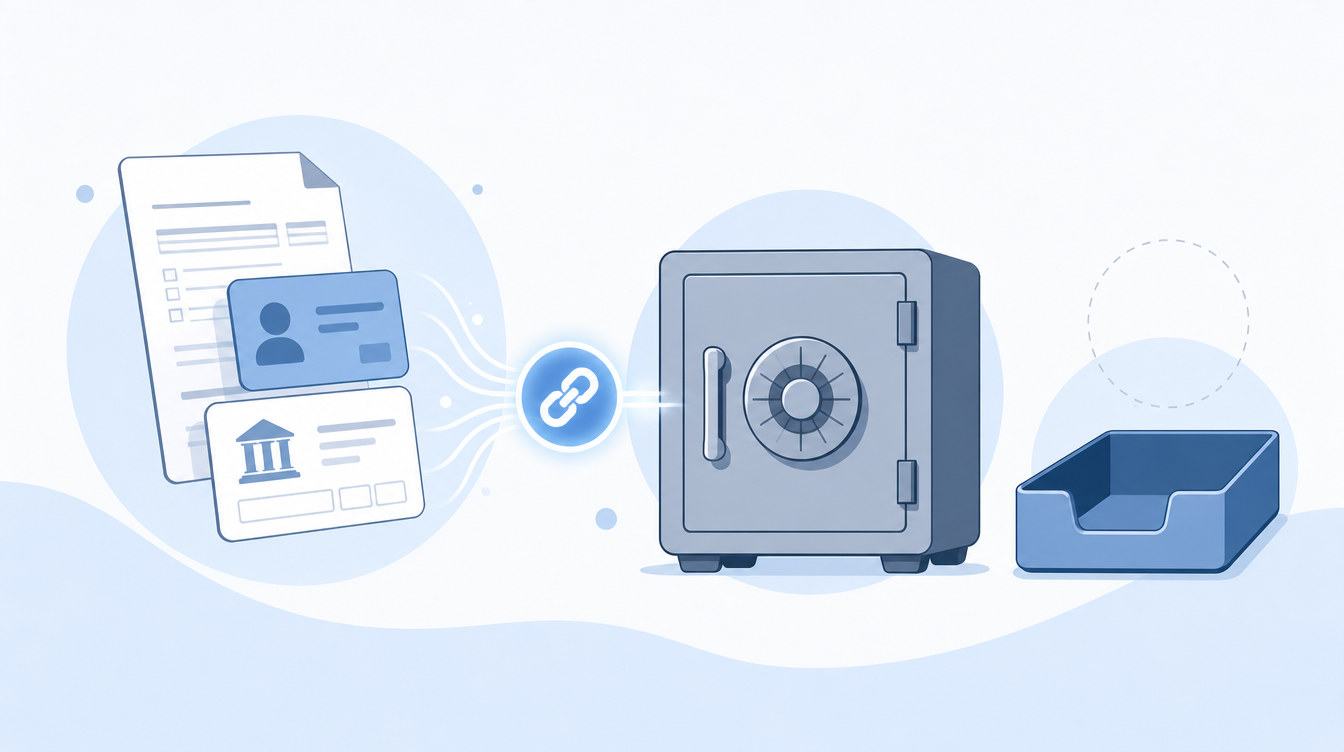
What do HR and payroll teams need to collect and send?
Onboarding concentrates identity and bank data in a few days. The table matches each document to a method. If your HRIS (human resources information system) or payroll provider already has its own secure onboarding or upload feature, that is a fine choice. Use it instead of adding another tool.
| Document | Sensitivity | Recommended method |
|---|---|---|
| Form W-4 | High (SSN, filing status) | Employee upload link, or the payroll provider's own onboarding |
| Form I-9 and the documents the employee presents | Very high (identity documents) | Employee presents originals, employer examines them. Remote examination is an option only for eligible E-Verify employers. |
| Direct deposit authorization | High (routing and account numbers) | Upload link or payroll portal. Never an emailed form. Changes need a call-back. |
| Benefits enrollment with dependents' SSNs | High | Carrier portal or upload link. Not email or chat. |
| Offer letter | Moderate to high (salary) | One-time link |
| Temporary passwords and portal credentials | High | One-time link, or the provider's own invite flow |
| W-2 copies | High (SSN, wages) | Payroll portal, or a one-time link after documented employee consent |
Which rules apply to onboarding documents?
This summarizes what the official pages say as of October 2026. It is not legal or tax advice. Check state rules and current forms before you finalize a process.
Form I-9 (USCIS)
The employee presents acceptable documents. The employer must examine them to decide whether they "reasonably appear to be genuine and relate to the employee," then record the document information. See the USCIS Form I-9 page. Never mail the form to USCIS or ICE.
Copies are optional, but if you make them, do it consistently for every new hire, as the USCIS employer handbook (M-274, section 4.1) explains. E-Verify employers must keep copies of certain documents.
The USCIS remote examination procedure is optional and limited to employers in good standing in E-Verify. It requires copies of the documents (front and back), a live video interaction, and retained copies. An upload link can serve the copies step of that procedure. It does not replace examination for everyone else.
Form W-4 and employment tax records (IRS)
The employee completes the IRS Form W-4 so you can withhold correctly. Link to the current IRS page instead of saving an old copy. The IRS says employers must keep W-4s for at least four years (IRS Topic no. 753), and employment tax records for at least four years after the tax becomes due or is paid, whichever is later (IRS Publication 15).
If you accept e-signed W-4s through your own system, IRS Publication 15-A points to Publication 15-T for the requirements. Read those before you build it.
W-2 delivery (IRS)
As of October 2026, the IRS General Instructions for Forms W-2 and W-3 say Copies B, C and 2 for 2026 go to employees by February 1, 2027, because January 31 falls on a Sunday.
Electronic delivery requires the employee's consent, given electronically or on paper. You must also tell the employee that:
- a paper W-2 is available if they do not consent;
- what the consent covers and how long it lasts;
- how to get a paper copy;
- how to withdraw consent;
- when electronic delivery stops, such as at termination.
Publication 15-A has the details. Using a payroll provider does not remove your responsibility to furnish and file correctly and on time.
Payroll diversion (FBI IC3)
The FBI's Internet Crime Complaint Center (IC3) has warned that HR and payroll staff receive spoofed emails, apparently from employees, asking to change a direct deposit account. The 2019 FBI public service announcement on business email compromise says the new details generally lead to a prepaid card account and recommends verifying account changes through secondary channels or two-factor authentication.
A 2018 FBI announcement on payroll diversion describes a second pattern: criminals log into an employee's real payroll account, change the bank details and add mail rules to hide the alerts. It recommends heightened scrutiny of employee-initiated bank changes, payroll logins that differ from other logins, monitoring of off-hours logins, and two-factor authentication.
How do you collect new-hire documents step by step?
- Before day one, send the offer letter as a one-time link. The letter contains salary, so avoid a permanent attachment that stays in the new hire's inbox and yours.
- Create an upload link for that hire. Ask for the signed W-4, the direct deposit details and the benefits enrollment forms. Do not ask for I-9 documents. If your payroll provider has its own onboarding, point the hire there instead.
- Examine I-9 documents in person on day one. The employee presents originals, in person to you or to an authorized representative, and you record what you examined. Follow the current USCIS instructions for the form edition you use. Store the form separately from the personnel file, as USCIS recommends.
- Confirm the bank details on day one. Check the account details with the hire by phone or in person, using a number already in your records. That way you have a verified starting point for later change requests.
- Deliver temporary logins as one-time links. A password that burns after the first read does not sit in an inbox for years.
- Clean up strays. If someone emails a photo of a Social Security card or a bank form anyway, move it into your protected storage, delete the email and the local download, and reply with the upload link. Do not tell them "just this once" is fine.
- Log and schedule deletion. Record the hire date and set the delete-by date for each record type (see the retention table below).
Where SparkVault fits
Many employers use their payroll provider's or HRIS's own secure upload. If you don't have one, SparkVault (sparkvault.com) Vaults provide encrypted storage with sharing links and client upload. You send each hire an upload link, they add their files, and the files go into the Vault instead of either inbox.
For temporary credentials, your provider's invite flow is the first choice. Otherwise, a one-time Spark delivers text, a file or a link (up to 256,000 bytes, with a lifetime from 1 minute to 24 hours) and burns on first read.
How do you verify a direct deposit change?
Payroll diversion starts with a request that looks routine, and a bank change can arrive right before payday. An emailed bank form is the weakest way to receive it, because the sender is unverified and the form itself carries the account number. Accept changes only through your payroll portal or a signed form handed over in person. Then verify.
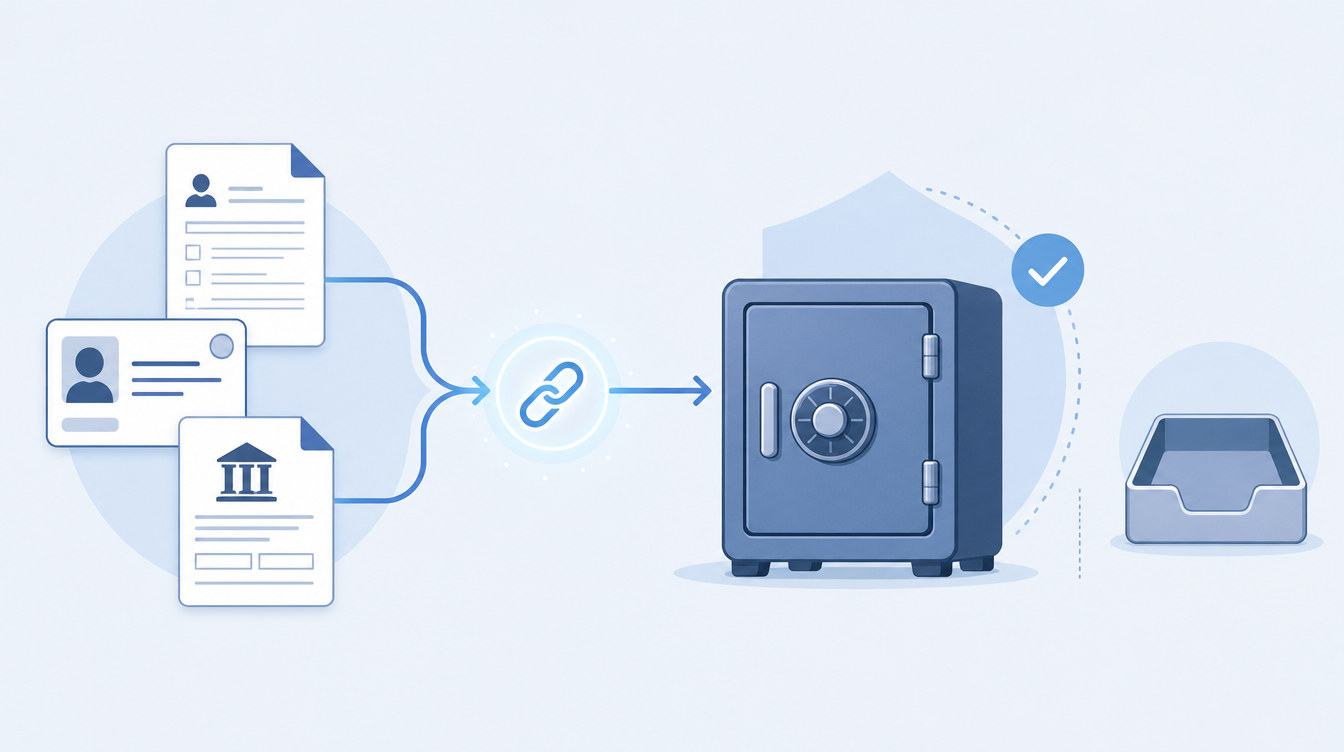
Call-back script
- Find the employee's phone number in your records. Do not use any number in the request.
- Call and say: "I'm calling from payroll about a request to change your direct deposit. Did you make that request?"
- Ask the employee to confirm something that is not in the request, such as the last four digits of the account currently on file.
- Read back the last four digits of the new account and ask for confirmation.
- If you can't reach the employee, hold the change until the next pay cycle.
- Log who verified the change, when and how.
- Send a confirmation to the old contact details on file.
Account takeover is a separate pattern from spoofed email, so a call-back alone is not enough. Turn on multi-factor authentication for payroll logins, use payroll logins that differ from other logins, and watch for off-hours logins, as the 2018 FBI announcement recommends. If your system can send a notice to the old contact method when bank details change, turn that on too.
If a fraudulent change gets through, contact your bank to request a recall, tell the employee, and file a complaint on the FBI IC3 complaint site, mentioning "payroll diversion."
What wording can you copy for employees?
New-hire upload request
Welcome to the team. Before your first day, please use this private link to upload your signed W-4, your direct deposit details and your benefits enrollment forms: [link].
Please don't email photos of your Social Security card, passport or bank details. On your first day, bring your original identity documents for Form I-9 and we'll review them with you in person. If you have questions, call [phone number].
If someone emails sensitive documents anyway
Thanks for sending this. We've moved it to secure storage and deleted the email. Please use this link for anything else we need: [link].
Standing notice for payroll changes
Payroll will never change your bank details based on an email alone. We'll call you on the number we have on file. If you get an urgent message about changing your deposit account before payday, forward it to [HR contact] and don't reply.
How long should you keep onboarding records?
| Record | Retention (as of October 2026) | Source |
|---|---|---|
| Form I-9 | Three years after the date of hire, or one year after employment ends, whichever is later | USCIS Retention and Storage |
| Form W-4 | At least four years | IRS Topic no. 753 |
| Employment tax records | At least four years after the tax becomes due or is paid, whichever is later | IRS Publication 15 |
| Benefits enrollment records | Check with your benefits provider or counsel | Not covered here |
| State personnel-file and payroll records | Check your state rules | Not covered here |
Keep only what you need and dispose of the rest. That is the general principle in the FTC's guide to protecting personal information for businesses. USCIS also recommends adequate safeguards for I-9 data and keeping I-9s separate from personnel records.
What changes at year-end and open enrollment?
W-2 distribution
In November, confirm each employee's mailing address and whether they have consented to electronic delivery. Without consent, you may not send the W-2 electronically. A one-time link can deliver the file, but the consent and disclosure steps are separate requirements. You may truncate the SSN on employee copies, which is voluntary. Copy A must not be truncated.
Be wary of anyone asking for all employees' W-2s in a single message. The 2019 FBI announcement notes a business email compromise variation that asks for employee personal information or W-2 forms. Confirm the requester by phone before sending anything.
Open enrollment
Dependents' Social Security numbers arrive in volume. Use the carrier's portal or an upload link, and keep them out of email and chat threads. Set the deletion date at collection time, using guidance from your benefits provider or counsel.
One-page new-hire intake checklist
- Offer letter sent as a one-time link instead of an attachment.
- Upload link created for this hire and used only for their paperwork.
- Signed W-4 received through the link or payroll onboarding.
- Direct deposit details received through the link or portal, and confirmed by phone or in person.
- Benefits enrollment received through the carrier portal or link.
- I-9 documents examined in person on day one (or the remote procedure, if eligible).
- I-9 filed separately from the personnel file.
- Temporary credentials sent as a one-time link.
- Stray email attachments moved and deleted.
- Delete-by dates logged for every record type.
What is the minimum path for a solo office manager?
- Use your payroll provider's onboarding or an upload link for the W-4, direct deposit and benefits forms.
- Send credentials as one-time links.
- Apply the call-back rule to every bank change, with no exceptions for the owner.
- Keep a calendar entry for each hire's I-9 and W-4 deletion dates.
For larger teams: what should multi-office employers add?
Multi-office employers, PEOs (professional employer organizations) and payroll service providers need the same steps made consistent and auditable.
- Standardize intake. Use one onboarding packet and one upload method in every office, so local managers don't invent their own.
- Separate roles. HR, payroll and hiring managers need different access. Hiring managers should not see SSNs or bank data.
- Store I-9s separately. USCIS recommends it, and its electronic storage guidance calls for integrity controls, an audit trail, an index and legibility. Forms must be producible within three business days of an inspection request.
- Keep an audit trail. Log who accessed, changed or verified each record. Publication 15-A lists requirements for certain electronic IRS form systems, including documenting user access. It's a reasonable reference point, though it isn't a rule for all HR records.
- Assign deletion owners. Give every record type a named owner and a schedule, and confirm state and benefits rules with counsel.
- Review vendors. Ask where data is encrypted, who holds the keys, what access logs exist, whether deletion runs on schedule, who the sub-processors are, and what admin controls you get. Ask any vendor for its audit reports.
- Remember who owns W-2 duty. Under IRS guidance, using a payroll provider does not relieve the employer of responsibility.
For related workflows, see the guides on how CPA and tax firms securely collect and send client tax documents, how to send bank wire instructions securely without email, and the Secure Data Sharing Checklist. The Industry Guides pillar covers the wider set of profession-specific workflows.
FAQ
Can new hires email their I-9 documents?
The employee presents documents and the employer examines them, according to USCIS. Remote examination is an optional procedure for eligible E-Verify employers. It requires live video and retained copies. Emailing photos is not a general substitute.
Do I have to keep copies of I-9 documents?
Copies are optional for most employers, but you must apply the practice consistently to all new hires. E-Verify employers must keep copies of certain documents, and the remote procedure requires retained copies. Check the USCIS handbook page for the current rule.
How long do I keep an I-9 versus a W-4?
As of October 2026, USCIS says to keep the I-9 for three years after hire or one year after employment ends, whichever is later. The IRS says to keep W-4s for at least four years. Check state rules as well.
Can I send W-2s by email or a portal?
Only with the employee's consent and the required disclosures, and by the same due date as the paper form. The consent can be electronic or on paper. See Publication 15-A for the details.
What should I do if I paid out a fraudulent direct deposit change?
Contact your bank to request a recall, notify the employee, and file a complaint at ic3.gov, noting "payroll diversion." Then review how the change was received and add the call-back step.
Should a direct deposit change ever arrive by email?
No. Accept changes through your payroll portal or in person, and verify each one with a call to a number already on file.
Set up an upload link for your next new hire's paperwork.
Sources
- Employment Eligibility Verification (I-9), USCIS
- Retention and Storage, USCIS
- 4.1 Retaining Copies of Documents Your Employee Presents (M-274), USCIS
- Remote Examination of Documents, USCIS
- About Form W-4, IRS
- Topic no. 753, Form W-4, IRS
- About Form W-2, IRS
- General Instructions for Forms W-2 and W-3 (2026), IRS
- Publication 15-A (2026), IRS
- Publication 15 (2026), Circular E, IRS
- FBI IC3 PSA I-091019-PSA, Business Email Compromise, Sept 10, 2019
- FBI IC3 PSA I-091818-PSA, Payroll Diversion, Sept 18, 2018
- Protecting Personal Information: A Guide for Business, FTC
Form editions, deadlines and retention periods change, so confirm them on the official pages before you set policy.