How to Collect Sensitive Documents From Clients Without Email Attachments
To collect sensitive documents from clients without email attachments, send a written request that points to a private upload location, confirm the request by phone, and move each file into encrypted storage as soon as it arrives. Ask only for what you need, set a deadline and a retention date, and delete the stray copies. The same pattern works for a five-person office and, with a written policy behind it, for a large team.
Key takeaways
- An email attachment is a copy that stays in mailboxes and on synced devices until someone deletes it.
- Send a written checklist, give the client a private upload route, and phone any access code separately.
- Ask for the minimum, set a deadline, and verify the request in both directions by phone.
- After the file arrives, move it to encrypted storage, delete the other copies and set a retention date.
- No method stops a compromised client device, a screenshot, a look-alike phishing request or a file left in Downloads.
Take a hypothetical office manager onboarding a new client. She asks for a signed engagement letter, a bank letter and a photo ID. Two days later she has five attachments spread across three email threads, and one was forwarded from the client's personal account. Now she has to find, file and delete every one of them.
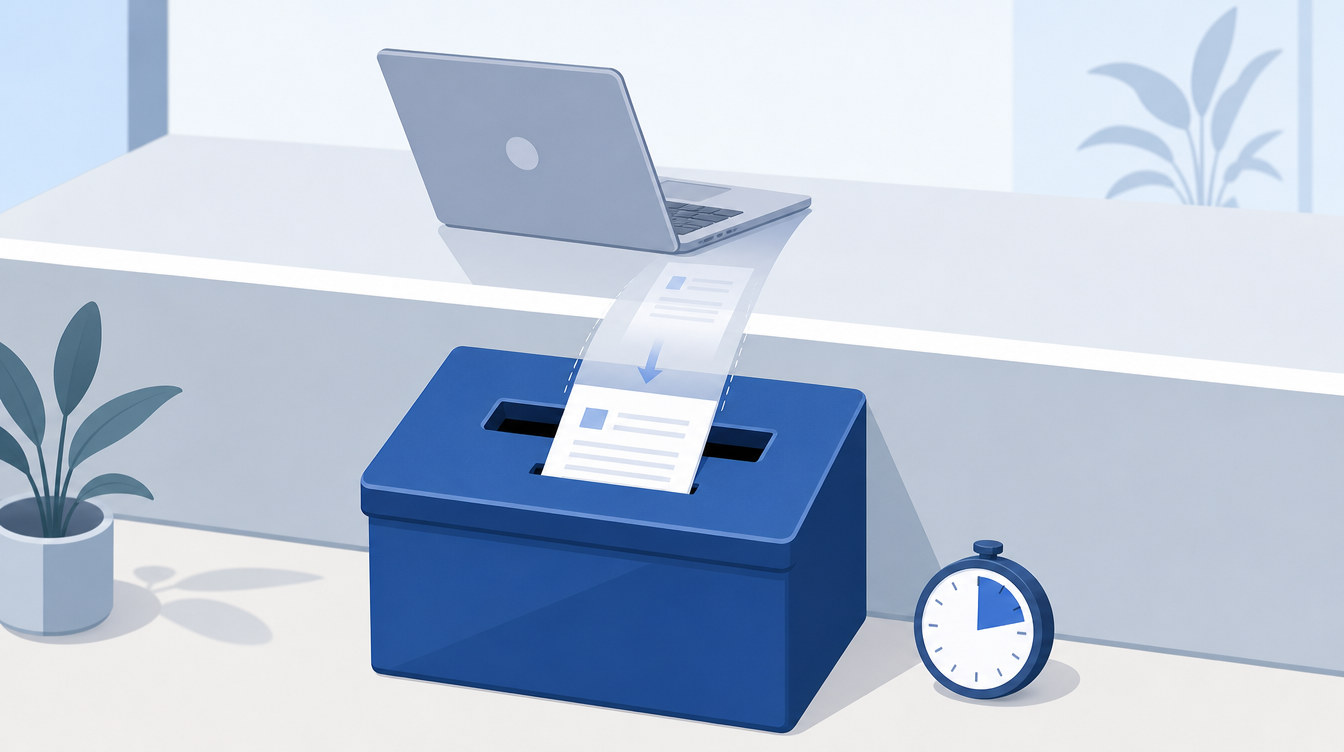
Why are email attachments risky for client documents?
An attachment is a copy of the file. It doesn't point back to a single original. When it lands, your inbox syncs it to laptops and phones, and anyone with access to the mailbox can forward or re-download it. Nobody owns deletion, so the copy often stays long after the job is done. Email is fine for plenty of work. The problem is leaving sensitive files in it permanently.
What are safer ways to collect sensitive documents?
Start with a method that needs no special product:
- Send a written checklist of exactly what you need.
- Have the client upload through a portal you already trust, or through a password manager's sharing feature if both of you use one.
- Phone any access code or password separately. Never put it in the same email as the link.
The table compares the common options. It describes general trade-offs, so check the settings of whatever tool you use.
| Method | Who can read it | How long it persists | Effort |
|---|---|---|---|
| Email attachment | Sender, recipient, and anyone with access to either mailbox or a synced device | Until every copy is deleted | Lowest |
| Open-link consumer cloud folder | Anyone who has the link, unless sharing is restricted | Until the link or folder is removed | Low |
| Secure upload portal or client upload link | The account holders you authorize | Until your retention rule or manual deletion | Low for the client, one-time setup for you |
| One-time link sent back by the client | The first person to open it | Minutes to hours, then it expires | Medium, because the client creates the link and you must copy the content out before it burns |
| In-person or courier delivery | Whoever holds the paper or portable media | Until it is shredded or wiped | Highest |
One-time links suit short items such as an account number or a code. They have size limits, so large scans and photos usually need an upload route instead.
Step by step: how to request documents securely
- Decide what you need. List each document and the reason you need it. If you cannot name the reason, do not ask.
- Ask for the minimum. This is data minimization: collect less, and you have less to protect. Ask for the last four digits of a number if that is enough, and for a signed page instead of the whole file.
- Send a request with a deadline. A date keeps the thread from dragging on. It also makes a real request easier to tell from a vague, urgent one.
- Verify the requester by phone. This runs both ways. Call the client on a number you already have to confirm they are the one sending files. Give them your office number from your website so they can confirm the request came from you. The Cybersecurity and Infrastructure Security Agency (CISA) advises, in an archived phishing page, looking up contact details from a verified source and ignoring numbers in the message. The FBI's Internet Crime Complaint Center (IC3) gives similar advice for account-change requests: use a second channel. That advice is about payment and account changes, but similar logic applies to document requests.
- Give plain-language client instructions. Say where to click, what to upload and what not to do. The template below covers this.
- Move the file into encrypted storage. When it arrives, file it in a storage location with access controls and encryption at rest. One option is SparkVault (sparkvault.com) Vaults: encrypted storage with uploads and sharing links. As of October 2026, its site describes AES-256-GCM file encryption and an account key held in a key management service validated under FIPS 140-3 (Federal Information Processing Standard 140-3). Check the product interface or documentation to confirm that the client upload option you want is available on your plan before you rely on it. A vendor-neutral alternative is any portal or cloud drive that gives you per-folder permissions and a private, request-only upload link. SparkVault Vaults: encrypted storage and sharing.
- Delete copies. Remove the email attachment, the file in your Downloads folder, any copy on your phone, and any forwarded versions. Then empty the trash folders.
- Set a retention date. Pick a date to review and delete the file. The right period depends on your industry and where you operate, so check what applies to you with your advisor. Our Compliance guide on data retention and deletion basics covers how to build a schedule.
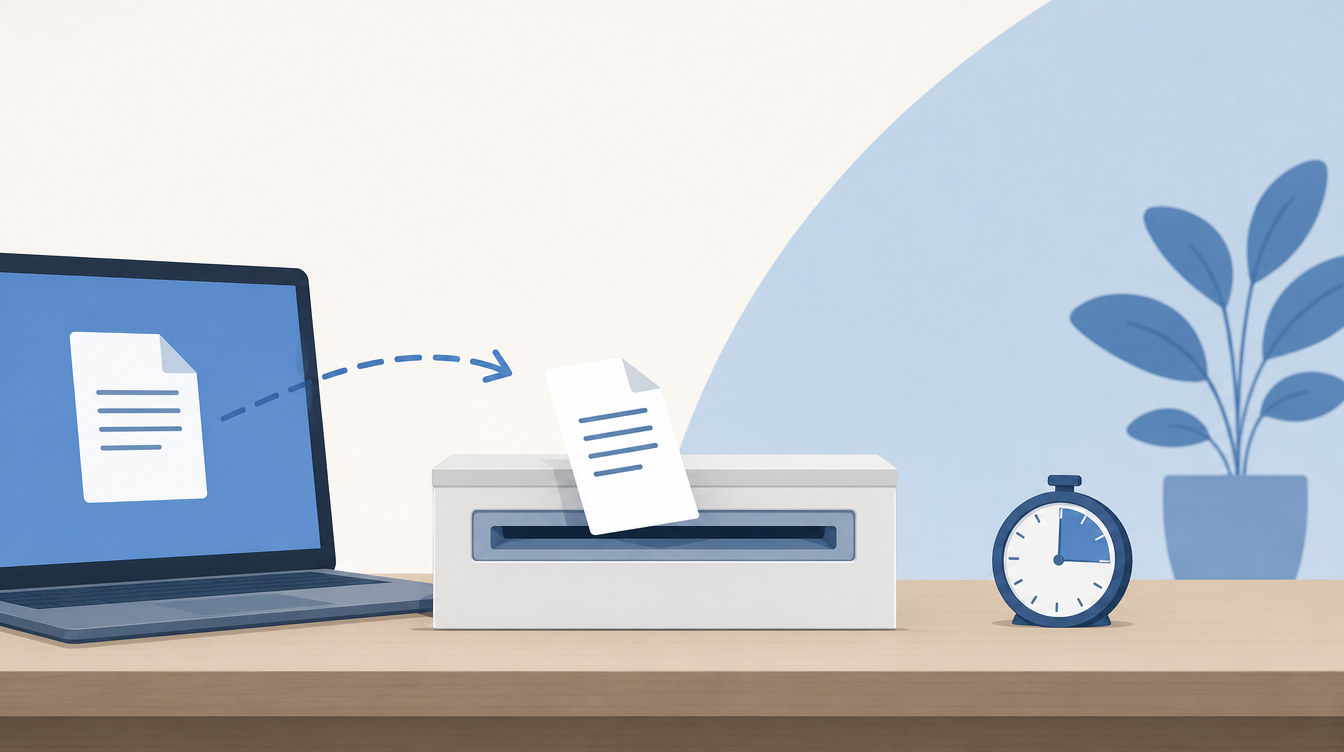
What should the client request message say?
Copy this template and fill in the brackets. Put it in an email that contains no attachments and no codes.
Subject: Documents we need from you by [date]
Hi [Client name],
To finish [onboarding / your return / your contract], we need the following from you:
- [Document 1] (needed because [reason])
- [Document 2] (needed because [reason])
Please upload them here by [deadline]: [secure upload link].
Please do not reply with the files attached, and please do not send screenshots or photos by text message.
If the link asks for a code, we will phone you with it. We will never ask for a code or password by email or text.
If you want to confirm this request is from us, call our office on [number from your website] before you click anything.
Thank you,
[Your name]
What to tell your client
Keep the spoken version short: "You'll get an email with a link. Upload the files there. Please don't send them by email. I'll call you with any code, and I will never ask for one in writing. If anything feels off, hang up and call our main number."
What if the client only needs to send a short code or account number?
For a few lines of text, a one-time link can be simpler than an upload. A Spark from SparkVault, for example, holds text, files or links up to 256,000 bytes, lasts from 1 minute to 24 hours, and burns on first read. As of October 2026, its site says Sparks are free on every account with no credit card. That size limit is about 250 KB, so it fits a code or account number. A multi-page scan or a phone photo of an ID won't fit. Check whether your client can create one themselves before you promise this route, because the product pages do not say. A password manager's secure share or a phone call works as well. One-time Sparks on SparkVault.
What doesn't this method protect against?
- A compromised client device. If malware sits on the client's laptop, it can read the file before upload.
- Screenshots and copies. A client who keeps the original in Downloads or sends a photo of it elsewhere has made copies you cannot see.
- Look-alike phishing requests. A fake request from an address that differs by one letter can ask your client to upload to the wrong place. CISA's archived phishing guidance lists urgent language, requests for personal and financial information, shortened URLs and look-alike addresses as warning signs. It also notes that polished grammar no longer proves a message is real. The IC3 advises checking the sender's actual address, especially on mobile. Both pages are general guidance, and neither endorses a particular upload method.
- Files left in Downloads on your side. Encrypted storage does nothing for the copy you saved to your desktop.
For larger teams
The steps above work at scale if you add policy and ownership around them.
- Policy wording. Example: "Inbound sensitive documents must be received through an approved channel. Attachments received by email must be moved to approved storage and removed from the mailbox within [X] days." Define what counts as sensitive in your own data classification.
- Admin and audit controls. CISA's Secure Our World guidance for organizations, as of October 2026, lists logging, backups and encryption among its practices. Ask any vendor whether upload and access events are logged, whether you can export those logs, and who can see the files.
- Key custody. Find out who holds the encryption keys. If the customer holds the key, the vendor cannot read the data, and it also cannot recover files if the key is lost. Ask whether the sharing or upload feature you want works with a customer-held key, because some designs need the vendor to keep a wrapped copy. Decide who stores and backs up that key.
- Quantum readiness. Ask vendors how they plan for future quantum computers. The National Institute of Standards and Technology (NIST) published FIPS 203 on August 13, 2024. It specifies ML-KEM, a standardized method for agreeing on an encryption key that is built to resist future quantum computers.
- Rollout. Start with one team, such as onboarding or finance operations. Publish the client template, train staff on the phone verification step, and review the results before you widen it.
- Exceptions. Clients who cannot use the portal still exist. Allow a documented exception, such as courier delivery or a supervised in-person drop, and log it.
- Deletion ownership. Name a role responsible for removing inbound copies and enforcing retention dates. Without a named owner, attachments stay.
FAQ
Is it okay if a client emails the file anyway?
It happens, and it is not a disaster. Move the file to your approved storage, delete the email and its copies, and send the client a short reminder of the preferred route. Do not scold, since the goal is to get the next file through the right channel.
What if the client can't use a portal?
Offer a fallback that matches the sensitivity of the document. That could be a phone call for a short code, a courier, or an in-person drop. Record the exception so it does not become the default.
Should I phone the client, and what do I say?
Yes, for anything sensitive. Use a number you already have, and never one from the request itself. Confirm that they are expecting the request, give them any access code verbally, and tell them how to reach you on your published office number.
How long should I keep the file?
It depends on your industry and jurisdiction, so check what applies to you with your advisor or counsel. Whatever you decide, write it down, attach a review date to the file, and assign someone to delete it. Our Compliance guide on data retention and deletion basics is a good starting point.
Can I use a shared cloud folder link?
You can, if the link is restricted to named people. Some tools also let you set a folder to accept uploads without letting others browse it, so check whether yours does. An open link that anyone can forward gives you little control over who sees the files, so set an expiry if your tool allows one.
What do I do with a file already in my inbox?
Save it to your approved encrypted storage, then delete the email, the attachment copy in Downloads and any forwarded versions. Check your phone and any shared mailbox as well. Add the retention date to the new location.
Related reading
- Secure Data guides (category overview)
- Secure Data Sharing Checklist: What to Check Before You Send Anything Sensitive
- How to Send a Photo of Your ID or Passport Securely (Without Leaving It in Email)
- You Sent Sensitive Data to the Wrong Person: What to Do in the First Hour
- Customer-Held Key Encryption Explained: Who Can (and Can't) See Your Data
- Compliance: data retention and deletion basics
Send it as a one-time Spark, free.