How to Find and Clean Up Sensitive Data in Your Email and Chat History
To clean up sensitive data in email and chat history, search your mailboxes for a short list of risky terms, sort each hit into keep, rotate or delete, and move what you must keep into encrypted storage or a password manager. Replace any exposed credential, then delete the originals from every folder, including sent items and trash. Repeat the search every quarter so the backlog does not rebuild.
A search for "password" in a shared mailbox can return hundreds of results going back years. Some are old logins. Some are scanned IDs attached to onboarding threads. Nobody decided to keep them there, and they have piled up since.
Why is old sensitive data in email and chat a risk?
Mail syncs to phones and laptops, so one old message usually exists in several places. Threads get forwarded, and mailboxes pass to new staff along with their full history. Anyone who takes over the account can search it, so years of attachments become available through one stolen login.
As of November 2026, CISA's Secure Our World guidance recommends multifactor authentication (MFA) and a password manager to reduce the chance of that takeover.
Where should you store the sensitive items you keep?
Items that must be kept need a better home than the mailbox. The table compares the usual options, including deleting after rotation for items with no reason to exist.
| Method | Who can read it | How long it persists | Effort |
|---|---|---|---|
| Leave it in the mailbox | The account holder, anyone with the account, delegates, provider admins, synced devices and anyone it was forwarded to | Indefinitely | None, and the most exposure |
| Local folder | Anyone with the device or its backups, depending on disk encryption | Until deleted and the device is replaced | Low |
| Password manager vault | The people it is shared with, and the vendor, depending on its key design | Until removed | Low to medium. Suits credentials and is weak for scanned documents |
| Encrypted file storage with customer-held keys | The people granted access. The provider cannot read it on its own | Per the retention setting you choose | Medium |
| Delete after rotation | Nobody going forward. Backups and forwarded copies may persist | Gone from the mailbox. Copies elsewhere may remain | Medium. Right for anything with no retention need |
Customer-held keys means the decryption key sits with you, so the storage provider cannot open your files by itself.
How do you clean up sensitive data in email and chat, step by step?
- Set scope and date range. List every mailbox, including shared and role mailboxes, plus the chat spaces your team uses. If the full history is too large, start with everything older than a year and widen later. Name one person who owns the cleanup.
- Run the queries. Use the search list below on each mailbox and chat space, and open only the hits. Operator syntax varies by provider, so check how yours handles quotes, OR and attachment filters. Note the hit count per query so you can compare it next quarter.
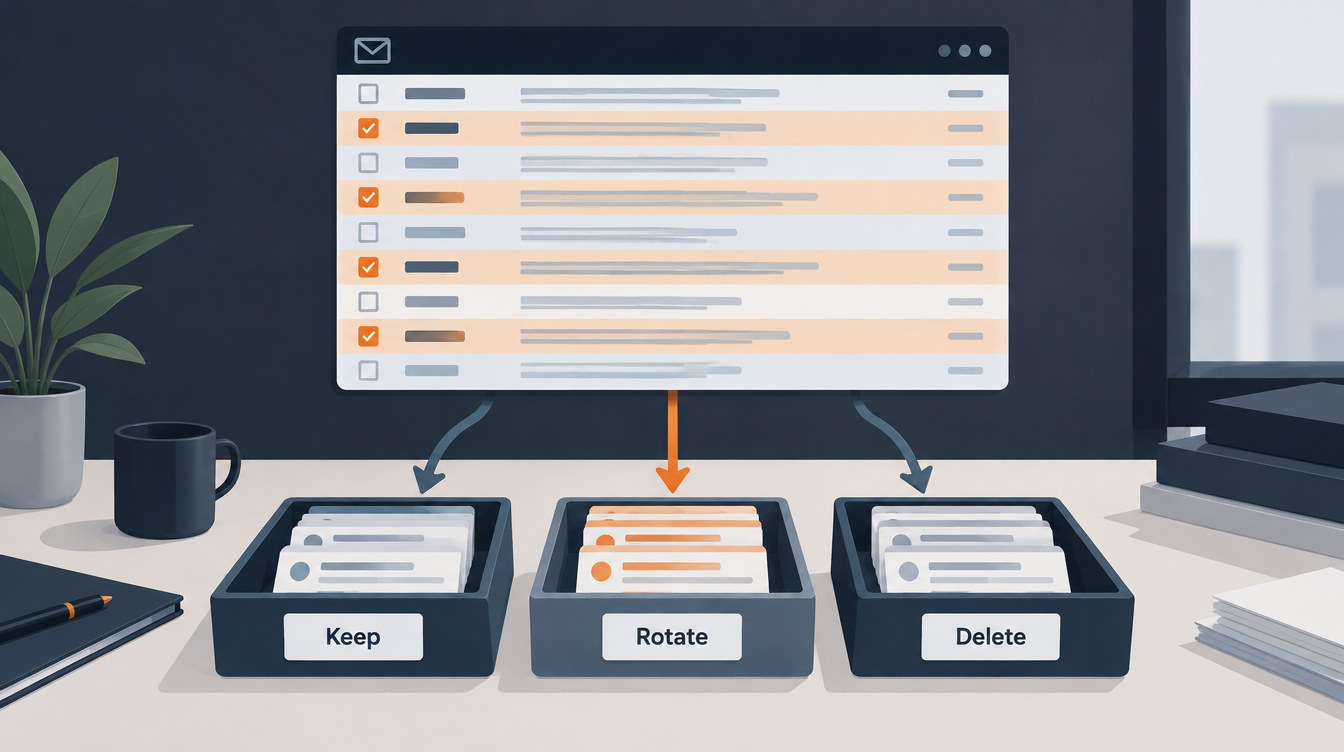
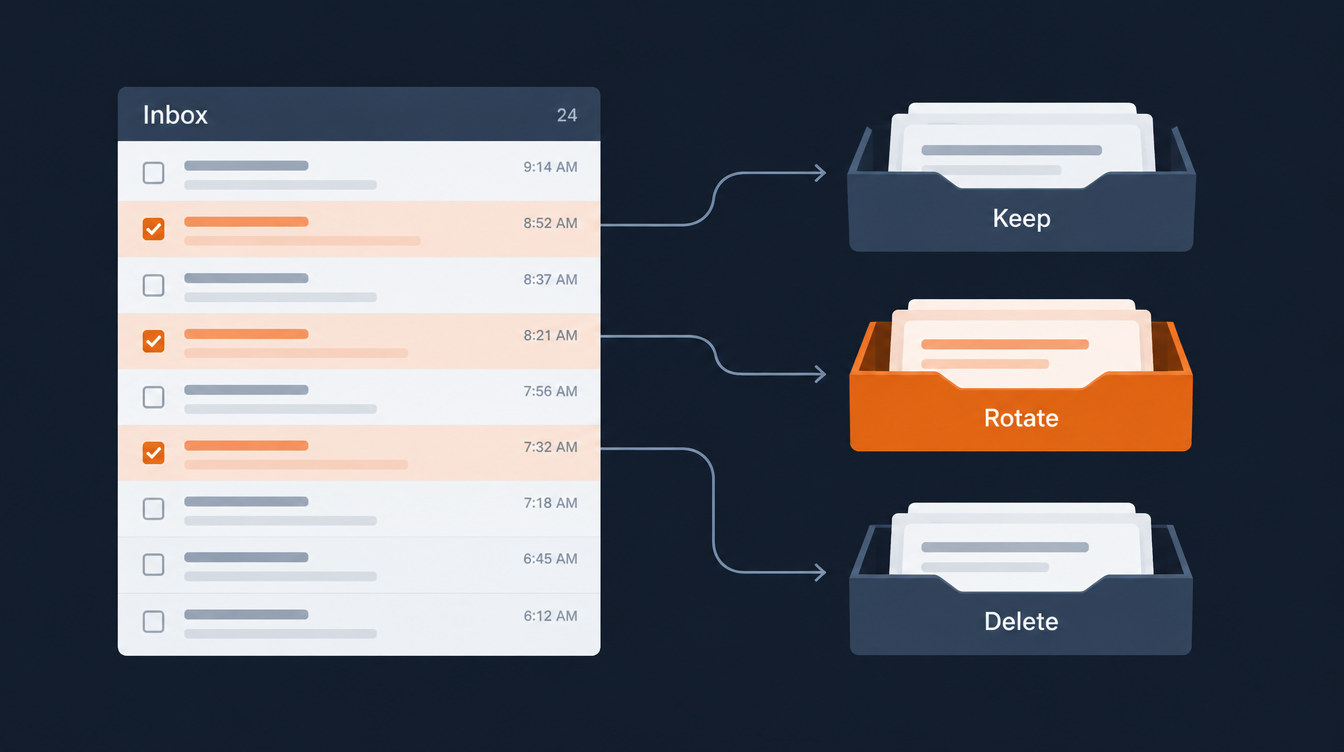
- Sort hits into keep, rotate or delete. Record each one in the sort sheet below. Write down every credential you find before anything is deleted, because the message is your only record of what was exposed. Keep covers items with a business need or retention duty, such as signed contracts, W-9s and bank letters. Rotate covers any live credential. Delete covers the rest. Items under legal hold (an instruction to preserve records for a dispute or investigation) are neither moved nor deleted.
- Move kept items to encrypted storage. Save each document, add an index entry that says what it is and where it lives, and use a password manager for credentials. Any encrypted file storage where you hold the key works for this. SparkVault (sparkvault.com) Vaults are one option: encrypted storage with folders, search, sharing links and client upload. Opening a Vault takes three independent keys: one with SparkVault, one in a trusted provider's secure hardware, and one with you. One or two are not enough. Vaults use per-person subscriptions with usage-based overage, and the details are at sparkvault.com/pricing.
- Rotate exposed credentials. To rotate a credential, issue a new one and disable the old one at the source. Turn on MFA for the account if it is not already on, store the new credential in a password manager, and update any integration or script that used the old one. CISA's page on using strong passwords recommends passwords that are long, random and unique to each account, generated and stored in a password manager.
- Delete the originals. Remove the messages from the inbox, sent items, archive and drafts, then empty the trash. The FTC's guide for business on protecting personal information advises keeping sensitive data only as long as you have a business reason to have it, and disposing of it properly once that need is over. If you find signs that someone else has been in the mailbox, preserve what you found and consider reporting it to the FBI's Internet Crime Complaint Center (IC3) before you bulk delete.
- Check phone and chat copies. Look at saved attachments in phone storage and in the downloads folders on laptops, and ask staff to check personal devices that sync work accounts. When someone later asks you to re-send a login, use a password manager share or an expiring link from a company-approved tool. A Spark from SparkVault is one such link. It carries text, a file or a link up to 256,000 bytes, expires after a time you set between 1 minute and 24 hours, and burns on first read. Sparks are free.
- Schedule a quarterly repeat. Put the search on the calendar, rerun the same queries and compare hit counts with the last pass. New hits show which habits are rebuilding the backlog.
Which search queries find sensitive data in a mailbox?
Paste these into the search box one line at a time. Quotes keep phrases together. If your provider does not support OR, run each term separately.
CREDENTIALS
password OR passcode OR login OR username
"temporary password"
"API key" OR token OR secret OR PIN

IDENTITY
SSN OR "social security" OR "date of birth"
passport OR "driver license" OR scan

BANKING AND TAX
"routing number" OR "account number" OR IBAN
"wire instructions" OR "voided check" OR "bank letter"
W-9 OR W-8 OR EIN

CONTRACTS
signed OR executed OR countersigned

ATTACHMENTS
has attachment AND (scan OR ID OR passport)
attachment types: pdf, jpg, png, heic
Keyword search finds the words that sit around a number. A bare number with no nearby label is unlikely to match, so scan attachment filenames and run a second pass on scans and photos.
What does a keep, rotate, delete sort sheet look like?
Copy these columns into a spreadsheet. The three rows are fictional examples.
| Item | Location | Type | Decision | Owner | Destination | Rotated on | Deleted on |
|---|---|---|---|---|---|---|---|
| Temporary login in an old onboarding thread | Shared mailbox, inbox | Credential | Rotate, then delete | IT lead | Password manager | (date) | (date) |
| Signed vendor agreement PDF | Office manager, sent items | Contract | Keep | Office manager | Encrypted storage, with index entry | Not applicable | (date, after move) |
| Scan of a driver license sent for a one-time check | Shared mailbox, archive | Identity document | Delete (no ongoing business need) | Office manager | None | Not applicable | (date) |
What should you tell your team?
Send this before you start so nobody deletes evidence or forwards a sensitive item to ask whether it is safe.
We are cleaning up sensitive items in email and chat. The scope is [mailboxes and chat spaces], messages from [start year] to today, starting [date]. Please do not forward or delete anything on your own. If you find a password, a scanned ID or bank details, send me the date and subject line only. [Name] will rotate any credentials we find. From now on, send logins through the password manager share or a one-time link from [approved tool].
What does this cleanup leave unprotected?
- Copies already forwarded to other people or outside accounts.
- Provider backups, which may hold deleted mail until they expire.
- Screenshots anyone took of a message or attachment.
- Local downloads, such as cached attachments and files saved to synced devices.
- Copies held by recipients of messages you sent.
Rotating a credential makes an old copy useless to whoever holds it, which is why rotation comes before deletion.
What changes for larger teams?
A cleanup at scale needs ownership and a paper trail. These controls turn a one-time project into policy.
- Retention policy line. Add one sentence to your policy, for example: "Credentials and identity documents are not retained in mail or chat beyond [X] days." Take the retention periods for contracts and tax forms from your legal or compliance team.
- Admin search and export. Use admin-level search to size the problem before anything is deleted. Export results to a restricted location for the cleanup owner.
- Audit logging. CISA's guidance for organizations lists logging and encrypting data. Log who searched, what was moved and what was deleted, and when.
- Legal hold exceptions. Check with legal before deleting from any mailbox. Exclude held accounts and record the exclusion.
- Phased rollout. Start with one team or one high-risk mailbox, such as finance or HR. Adjust the queries, then widen to the rest of the organization.
- Deletion ownership. Name the person who approves deletions and the person who rotates credentials. These can be different people, and each should sign off in the sort sheet.
FAQ
Does deleting an email remove it from backups or forwarded copies?
Deleting removes the message from your mailbox. Provider backups may keep it for a while, and copies already forwarded, downloaded or screenshotted stay where they are. Rotate any credential in the message so those copies stop being useful.
Should I rotate a password if I only find it in old mail?
Yes, if the account still exists. You cannot know who has seen the message, so issue a new password and disable the old one. If the system is gone, note that in the sort sheet and move on.
What if a legal hold or retention rule applies?
Do not delete the item. Preserve it, tell your legal contact or the data owner, and mark it as held in the sort sheet. Resume cleanup once they release it.
How do I search for SSNs or bank numbers without reading every message?
Search for the words that usually sit near those numbers, such as "social security", "routing number" and "wire instructions", and open only the hits. Scans and photos need a filename or attachment-type search. Your provider's admin tools may allow broader searches, so check its documentation.
Can I keep a W-9 or signed contract in email?
You can, but the mailbox is the widest place to leave it. Move a copy into encrypted storage, add an index entry, and follow your retention schedule for the original. Delete the email copy once the stored copy is confirmed.
What should I do about chat and phone copies?
Run the same searches in each chat space and check saved attachments on phones and laptops. Rotate any credential you find, then delete whatever has no business need. Ask staff to do the same on personal devices that sync work accounts.