How to Send a Photo of Your ID or Passport Securely (Without Leaving It in Email)
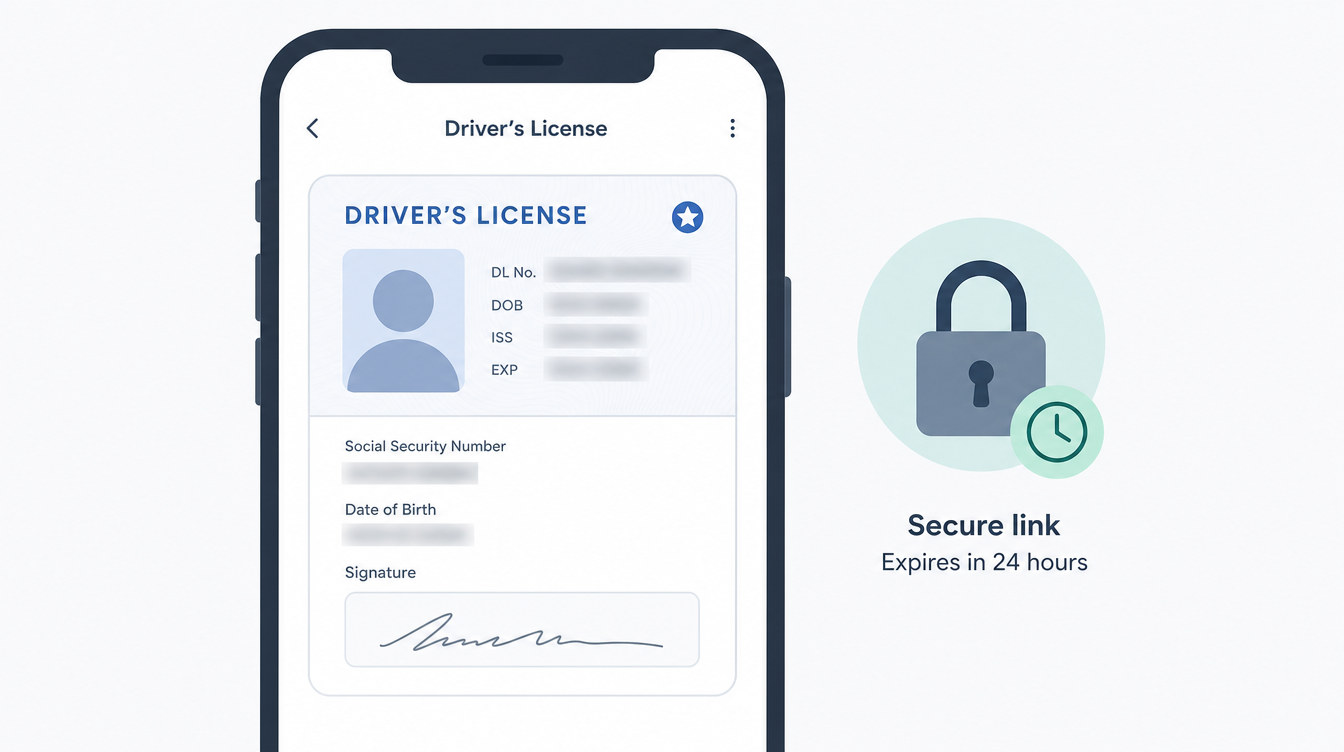
When someone asks for a photo of your driver's license or passport (a landlord, recruiter, or lender), don't email it as an attachment. Cover any fields they don't need, such as your Social Security number or full date of birth, then send the photo through a method that limits who can see it and for how long: an upload portal, a one-time link that expires after a single view, or an in-person check. That keeps the image from sitting in an inbox indefinitely, where it can be forwarded, exposed in a breach, or found years later.
Key takeaways
- A government ID photo is identity evidence, so it's worth treating differently from a routine file attachment.
- Redact fields the requester doesn't actually need (full Social Security number, full date of birth, signature, barcode) before sending anything.
- Email attachments and consumer cloud links can sit in inboxes, backups, and forwarded threads for years.
- Vendor-neutral options (in-person verification, a secure upload portal, a redacted copy) all beat a plain email attachment.
- A one-time link that burns after the first view narrows the exposure, but it doesn't stop the recipient from screenshotting it before or while they view it.
Why email and chat are risky for an ID photo
An email attachment doesn't disappear once the recipient has seen what they needed. It stays in your sent folder, their inbox, and any backups or forwarded threads for as long as either account exists. If either account is ever compromised (through phishing or a reused password, for example), whoever gets in can also get the photo. The Cybersecurity and Infrastructure Security Agency's Secure Our World guidance covers how account takeover commonly happens and why limiting what sits in an inbox matters (CISA, Secure Our World).
This fits a broader principle: sensitive files of every kind generally don't belong in email or chat threads, and ID photos are one example. Our Secure Data guide covers that in more depth.
A photo of a government ID is also a specific category of sensitive data: it's the kind of identity evidence that frameworks like NIST's digital identity guidelines treat as something to validate and protect (NIST SP 800-63A, Digital Identity Guidelines). That's a reasonable basis for handling it with more care than a routine attachment, even outside any formal identity-proofing program.
Safer ways to send or request an ID photo
Before reaching for any digital transmission method, three options avoid the risk of a stray copy entirely:
- In-person or video verification. The requester looks at the document directly, in person or on a video call, and never receives a copy at all. Nothing is transmitted, so there's nothing left to leak afterward.
- Secure upload portal. A dedicated page where the sender can add a file but can't browse what else is stored there or who else can access it. This fits organizations that collect IDs regularly, such as every new hire or every tenant application.
- Redacted copy. If a full, unmarked image isn't actually required, send a copy with everything but the needed field covered.
Where you send it matters too. A method where even the provider can't read what's stored closes off another avenue of exposure; see our explainer on customer-held key encryption for how that works. For a broader checklist beyond ID documents, see our Secure Data Sharing Checklist.
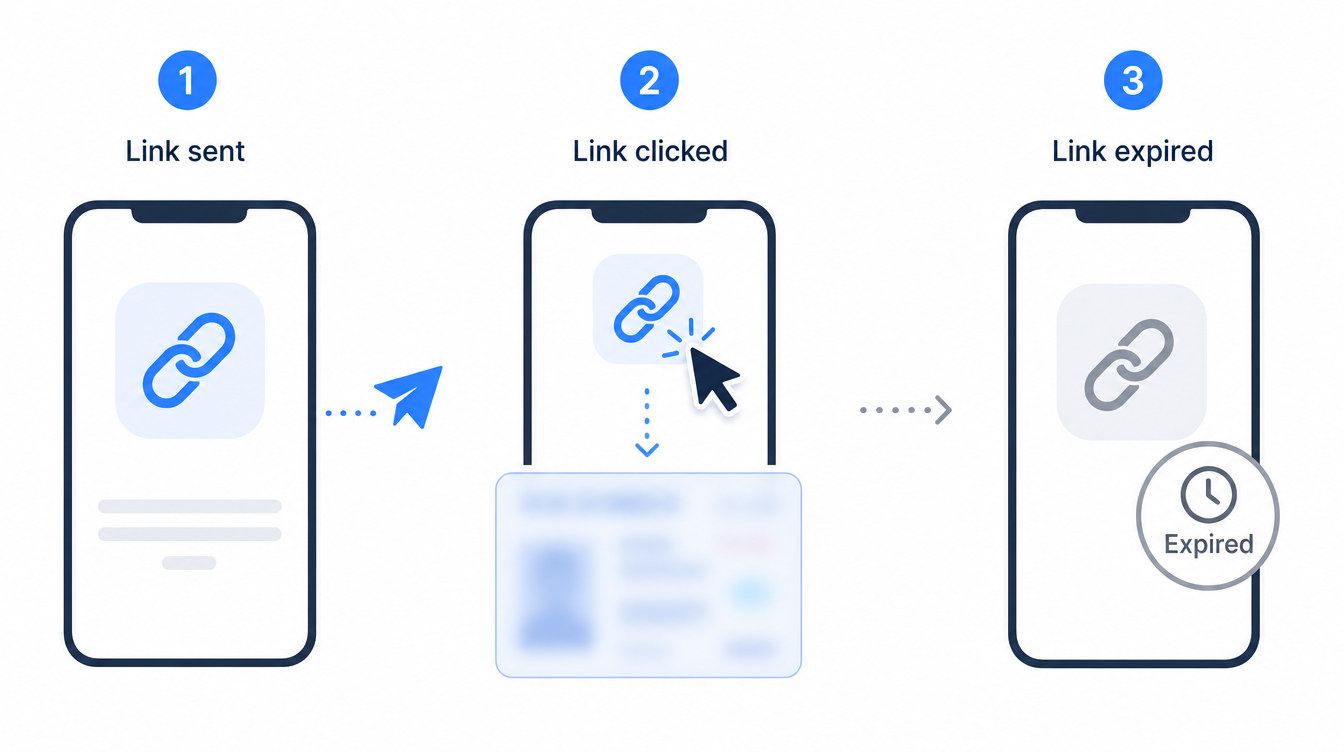
If none of those fit the situation, the easiest remaining option is a one-time link: a link that opens once, shows the photo, and then stops working.
| Method | Who can read it | How long it persists | Effort to set up |
|---|---|---|---|
| Email attachment | Sender, recipient, and anyone with access to either inbox or its backups, now or after a future breach or forward | Indefinitely, in both sent and received folders | None, which is the problem |
| Consumer cloud link | Anyone with the link, often indefinitely, unless someone remembers to revoke it | Until manually deleted, which people commonly forget | Low |
| Secure upload portal | Only the people the organization grants access to inside its own system | Governed by the organization's retention policy instead of the sender's inbox | Medium; the requester needs the portal already set up |
| One-time link | Only the first person who clicks it, once | Minutes to 24 hours if unread; destroyed immediately after the single view | Low; fast to create, but the recipient must open it before it expires |
Step by step: sending a photo of your ID safely
- Ask what the requester actually needs to verify (a name-and-photo match, an age threshold, an address match) so you know what to cover.
- Redact anything beyond that (see the next section for specifics).
- Choose in-person verification, a secure upload portal, or a one-time link. Skip the email attachment.
- If you're using a one-time link, set the shortest expiration that still gives the recipient time to open it, and put only the link in your message. Leave the image itself out.
- Tell the recipient what to expect: something like, "Here's my driver's license for verification. This link opens once and stops working after that, so please view it as soon as you get it."
Try it: if you don't already have a tool for one-time links, SparkVault's (sparkvault.com) Sparks work this way. Paste a note or attach the redacted photo, set it to expire in an hour, and send the link. The recipient clicks once to view it; it's destroyed right after. A vendor-neutral alternative is a password manager's secure-share feature, or any tool that explicitly states the link self-destructs after the first view. Send it as a one-time Spark, free.
What to redact first
Courts handling sensitive filings follow a simple convention: show only the last four digits of a Social Security number, only the last four digits of a financial account number, and only the year of a date of birth (U.S. District Court, Central District of California, personal data identifiers to redact). That rule governs court filings and doesn't bind a landlord's or recruiter's request, but it's a reasonable habit to borrow. Before sending a photo of your ID, consider covering:
- Full Social Security number, if it appears on the document at all, unless the last four digits are specifically required.
- Full date of birth, if the requester only needs to confirm you're over or under an age threshold.
- Signature, if the purpose doesn't call for a signed copy.
- Barcode or machine-readable strip (the MRZ on a passport), which can encode the same fields even when the printed text is covered. Covering the numbers alone isn't always enough.
The FTC's general guidance on limiting what personal information you share supports the same principle: don't hand over more than the recipient needs for the stated purpose (FTC Consumer Advice, Identity Theft and Online Security; IdentityTheft.gov).
For larger teams: policy, retention, and audit
If your organization collects ID photos regularly (new hires, tenant applicants, age verification at the point of sale), a standing secure upload portal usually makes more sense than issuing a one-off link every time, because it gives you one place to control who can view uploads and for how long. A single-use link still fits one-off requests, like verifying a single vendor contact.
Set a retention window and follow it. Decide how long you actually need the image after verifying it, then delete it. NIST's identity-proofing guidance expects organizations to give applicants notice at the time their identity evidence is collected about why it's needed (NIST SP 800-63A). That's a reasonable practice to follow even outside a formal identity-proofing program. Limit who inside the organization can open stored IDs, and keep a log of uploads, views, and deletions so you can answer "who looked at this and when" if asked.
A secure upload portal in this sense is any system that lets someone hand you a file without letting them browse what else is stored there. SparkVault's Vaults, for example, log uploads and downloads automatically and let you set a retention window on stored files, if you'd rather not build that logging yourself (SparkVault, secure file storage). A generic alternative is any document-management system with per-file access logs and a configurable deletion schedule.
If a specific regulation dictates how long you must keep identity documents after verifying someone (for know-your-customer, anti-money-laundering, or background-check purposes), that retention period comes from the rule that applies to your situation. This post can't set it for you. For a starting point on recordkeeping tied to identity verification, see our Compliance guide to KYC and AML ID retention rules, and check the specific regulation that applies to you before setting your policy.
What a one-time link doesn't protect against
A one-time link solves the indefinite-storage problem: it isn't sitting in an inbox years later, and only the first person to open it can see it at all. It does not stop that first person from taking a screenshot, saving the image, or copying it elsewhere before or as they view it. Destroying the link removes the copy held by the sending service, and it has no way to reach a screenshot already saved on someone else's device. One-time delivery narrows the window and the audience; it doesn't make content impossible to retain once it's been shown to someone.
If you need to collect copies of IDs on an ongoing basis, set up a client upload link instead of asking people to email them to you.
FAQ
Is it safe to text a photo of my ID to someone?
Texting has similar risks to email: the image persists in message history and device backups and can be forwarded without your knowledge. A one-time link, a secure upload portal, or a redacted copy are all safer than sending the raw photo by text.
Can a landlord or employer legally require a copy of my ID?
Whether someone can require a copy of your ID depends on the law and policy that applies to that specific relationship, which this post doesn't cover. What's addressed here is how to send a copy safely once you've decided to provide one.
What if the person asking me doesn't have a secure portal set up?
You can still send a one-time link you control, offer a redacted copy instead of a full image, or propose verifying in person or on a video call.
How long should a business keep a copy of someone's ID after verifying it?
That depends on which regulation, if any, applies to the reason you collected it. As a general practice, delete the image once you no longer need it for that specific purpose, and document the retention window you're following.
Does covering the printed license or passport number make the photo safe to send?
Not completely. Barcodes and machine-readable zones often encode the same information as the printed text, so a covered number doesn't necessarily stop a scanner from reading the underlying data. Check whether the barcode or MRZ also needs covering.
What should I tell the recipient when I send my ID this way?
A short note works: "Here's my driver's license for verification. This link opens once and stops working after that, so please view it as soon as you get it." That sets the expectation before they click.